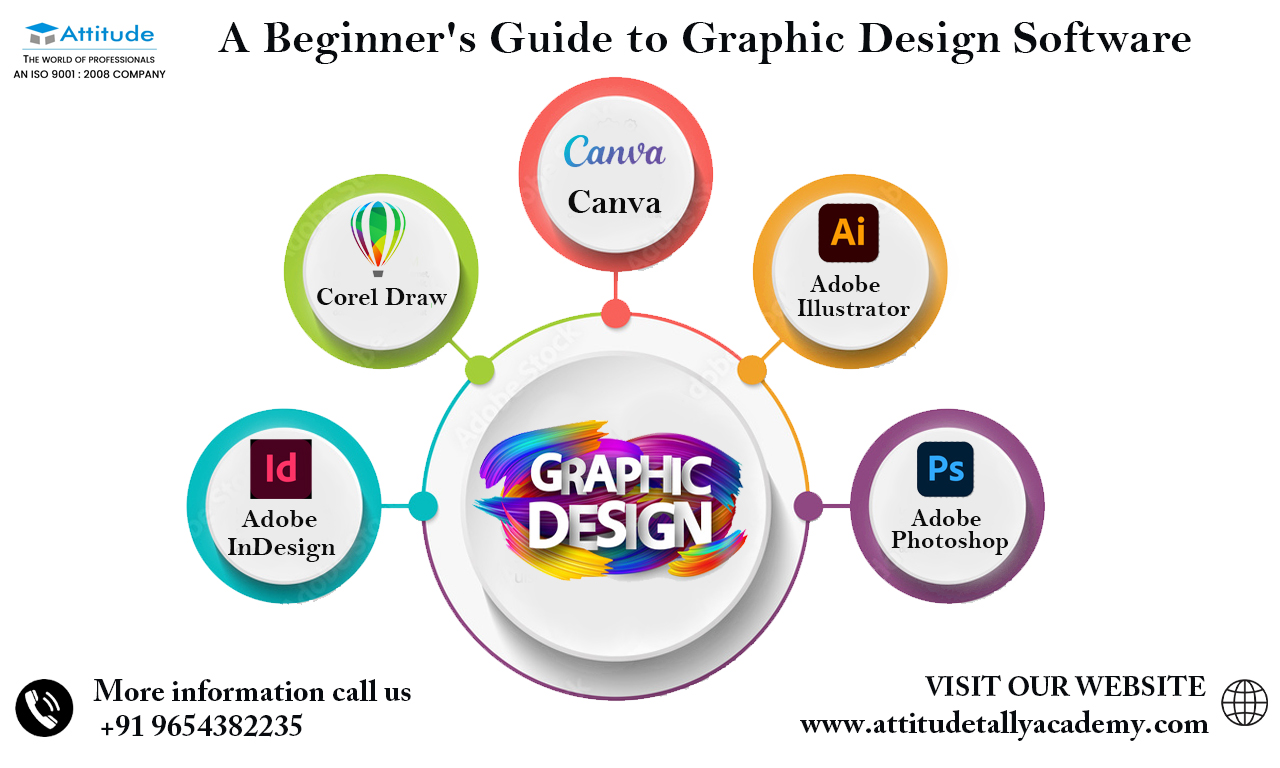
Top 5 Design Software Tools Transforming Visual Creativity
In the ever-evolving landscape of digital design, the right tools can significantly enhance visual creativity. Here are the Top 5 Design Software Tools that are currently transforming the way designers approach their work:
- Adobe Photoshop - The industry standard for graphic design and photo editing, offering powerful features for creating high-quality visuals.
- Canva - A user-friendly platform that simplifies design processes, perfect for beginners and professionals alike.
- Sketch - A favorite among UI/UX designers, offering robust tools for prototyping and collaboration.
- Figma - A cloud-based solution that allows real-time collaboration on design projects, making it ideal for remote teams.
- Blender - A powerful open-source tool for 3D modeling and animation, enabling designers to push the boundaries of creativity.
Each of these design software tools provides unique features that cater to various aspects of visual creation. From photo editing and graphic design to UI/UX prototyping and 3D modeling, these tools empower artists and designers to turn their ideas into stunning realities. Whether you're a seasoned professional or just starting your creative journey, incorporating these tools into your workflow can significantly elevate your designs and expand your creative possibilities.
How to Choose the Right Design Software for Your Projects
Choosing the right design software for your projects can significantly impact your workflow and the quality of your output. To start, assess your specific needs: Are you a graphic designer focused on branding and marketing materials, or a product designer creating 3D models? Understanding the type of projects you will be working on helps narrow down your options. For instance, platforms like Adobe Creative Cloud are industry standards for graphic design, while software like SketchUp is ideal for architectural design. Consider your budget as well, since many tools operate under subscription models, which can add up over time.
Another crucial factor in selecting design software is usability. Look for software that offers an intuitive interface and robust community support. Read reviews and user testimonials to gauge how easy the software is to learn and troubleshoot. Websites such as G2 provide comprehensive user feedback that can guide your decision. Additionally, take advantage of free trials when available, allowing you to test out the software before committing.
Design Software Features That Elevate Your Visuals: What to Look For
When it comes to selecting design software, understanding the key features that can elevate your visuals is essential for any creative professional. Look for software that offers advanced image editing tools, enabling you to manipulate colors, apply filters, and perfect your compositions with precision. Additionally, features like vector graphics support are crucial for creating scalable designs without losing quality. User-friendly interfaces and customizable templates also enhance productivity, allowing you to focus more on your creative process and less on navigating complicated menus. For a deeper insight into essential software features, you might find this guide helpful.
Another vital aspect of design software is its collaboration capabilities. In today’s interconnected world, having tools that facilitate real-time collaboration can significantly improve workflow and streamline feedback processes. Look for features like cloud storage integration, version control, and shared project access to ensure you and your team are always on the same page. Additionally, compatibility with third-party plugins can enhance functionality, offering extra tools to elevate your designs even further. For more information on collaborative features, check out Adobe's overview on this topic.